

How Organizer can connect Stripe account in EventMozo?
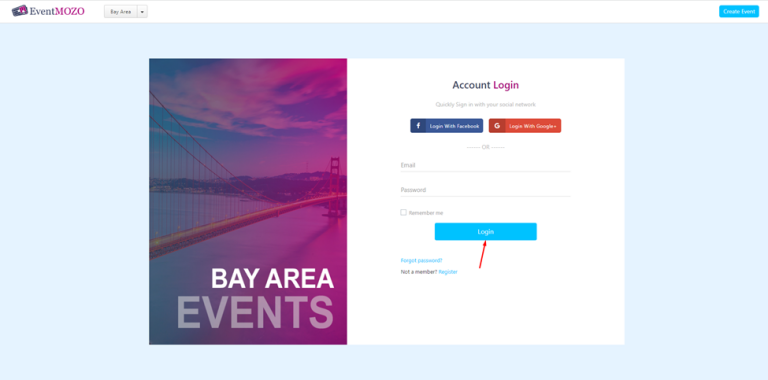
Step 1: - Open this URL https://eventmozo.com/auth/login
Step 2: - Enter your email id and password after that click on the login button.
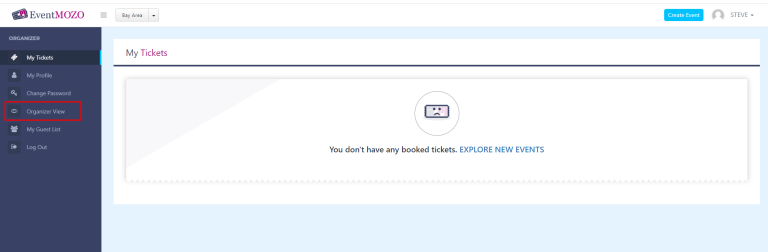
Step 3: - Click on the “ORGANIZER VIEW”
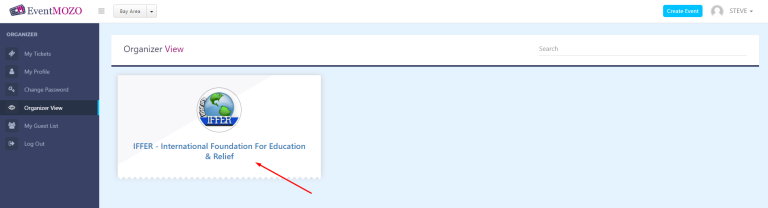
Step 4: - Click on the “ORGANIZER NAME”
Step 5: - Click on the “PAYMENT METHODS”
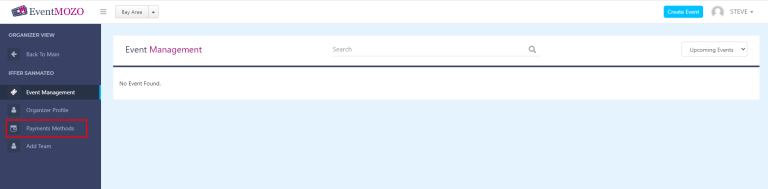
Step 6: - Click on the “Set up Stripe button ” and Check the checkbox as shown below
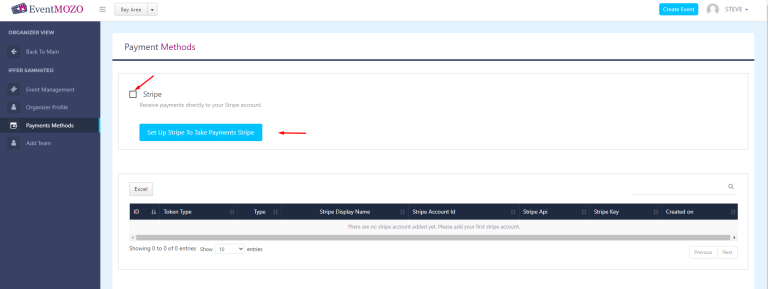
Now you are ready to receive amounts directly to your account.
